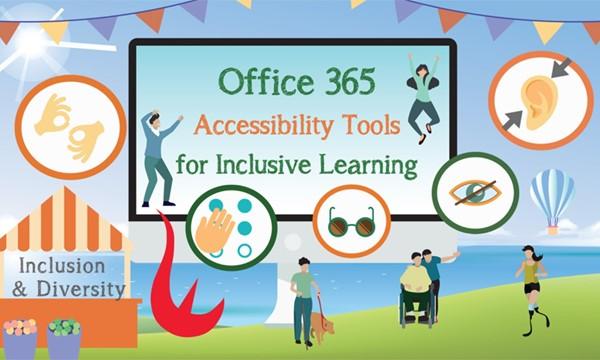
Office 365 Accessibility Tools for Inclusive Learning
Supporting the below United Nations Sustainable Development Goals:支持以下聯合國可持續發展目標:支持以下联合国可持续发展目标:
Digital learning is a trend. Many of us are using Office 365 for study and work. Are you aware that Powerpoint allows you to display auto-generated subtitles when you present? Tools in OneNote that read text out loud and break it into syllables to enhance reading efficiency? How about typing with your voice and real-time translation in Word and Outlook?
In this webinar, Microsoft Philanthropies HK will share with us their mission to build #FutureReady community and support everyone in an inclusive learning environment. Let’s discover the accessibility functionality exists in the tools we already use in Office 365, which is designed in a way to equip everyone the ability to achieve more!